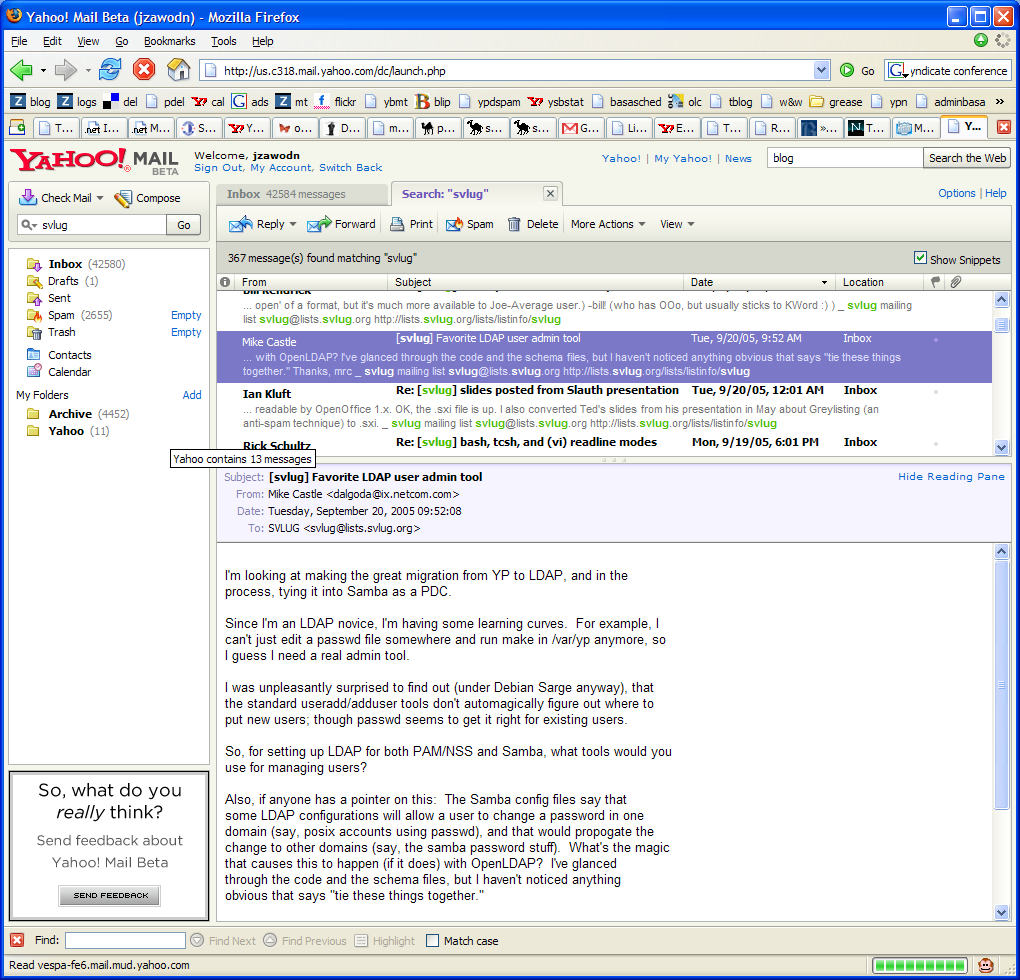
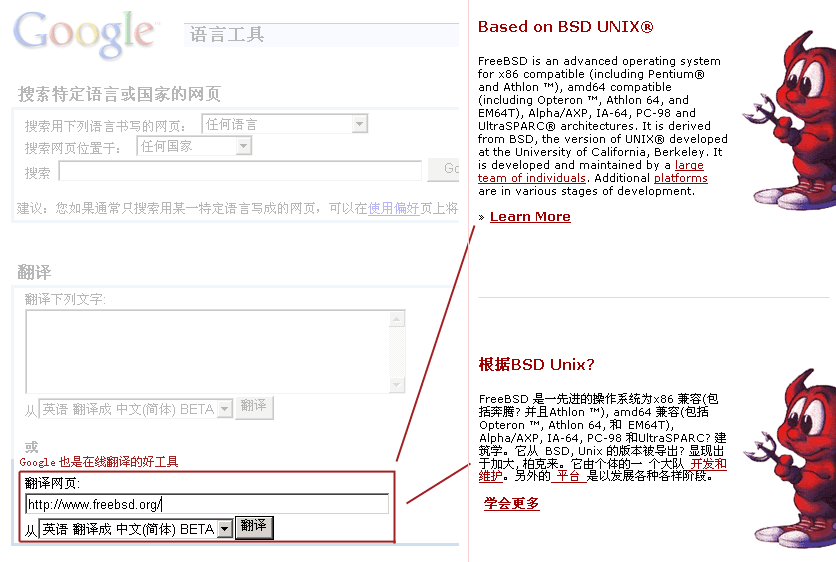
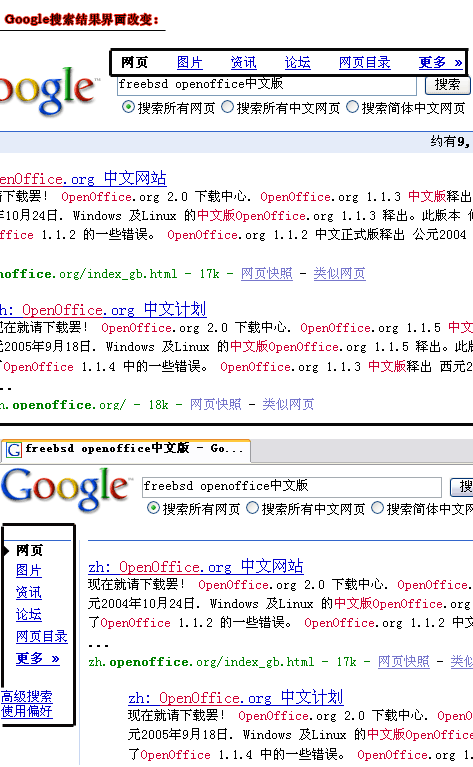
原文我不能直接访问,所以直接转帖过来(英文不行,不能翻译,抱歉)。自己算了一下,我使用的有8项服务:GMail (or Google Mail) 、Google AdSense 、Google Analytics 、Google Earth 、Google Image Search 、Google Talk 、Google Language Tools (像我英盲的人挺有用)、Google Web Search 。
[原文]————————————>>
The Ultimate Guide to Google Services
Submitted on November 17th, 2005 by Jay Koby
Filed under Services and Software and Tips, Tricks & Hacks and Audio and Resources and Graphics and Browsers and Video and Productivity and Email and Books and Shopping and Storage
Post to blinklist | del.icio.us | furl | shadows | simpy | spurl | yahoo
Anyone who has ever used the internet probably knows about Google’s web search, but did you know that Google does a lot more? We’ve discussed many Google services on TipMonkies before, but there are some which some of you may not be aware of. Read the full article to get the giant list of Google services and what each does. We’ll try to keep this list up-to-date as Google begins rolling out more services (because you know they will).
Here’s the big list of Google’s services:
- Add to Google lets publishers create a custom “Add to Google” button for their RSS feeds. When a user clicks the button, they can choose to either add the feed to Google Reader, or the Google Homepage service.
- Blogger is Google’s blog-hosting and creation service which seems to be very popular on the web because of the price (free) and ease of use.
- Froogle is Google’s product search engine that you can use to find the cheapest price for a product.
- GMail (or Google Mail) is Google’s popular email service, that gives you over 2 gigabytes of storage.
- Google AdSense is Google’s contextual advertising service, popular among many websites. Google also released Onsite Advertiser Sign-Up on November 21, 2005 which lets advertisers buy ads on a site directly from the Google Ads on that page.
- Google AdWords is the other side of AdSense. While AdSense lets publishers put ads on their site, someone has to pay for those ads, and AdWords connects companies with publishers so you can make a little bit of money.
- Google Alerts are e-mail updates to particular searches you do on Google. Pretty useful for monitoring websites or news.
Google Analytics crawls your website and keeps track of your visitors through a small piece of Javascript. Great tool for webmasters trying to improve their stats and AdSense revenue.
- Google Answers lets you hire someone to research a topic or answer a question for you.
- Google Base looks like its going to be Google’s massive content library, with all sorts of content, uploadable by anyone. Oddly enough, it sounds like EPIC and Google Grid mentioned in this video. Many people are comparing this service to Craigslist.
- Google Blog Search is very much like the web search service but letting search only through various blogs around the web.
- Google Book Search allows you to search though books that Google has scanned into their database.
- Google Catalogs is a search engine for mail-order catalogs.
- Google Click-to-Call lets users call advertisers directly from Google search results, for free, at Google’s expense.
- Google Code is Google’s effort to promote and contribute to Open Source software.
- Google Compute exists as a part of the Google Toolbar and uses your computer’s idle time (when you’re not using it) to compute data from distributed computing projects like Folding@Home.
- Google Deskbar is essentially an embedded IE window in your Window Taskbar that you can search Google from.
- Google Desktop is similar to apps like Konfabulator or Dashboard but not as attractive. It offers various widgets and a sidebar which let you do things like searches, aggregate feeds, write notes, check weather, and more.
- Google Directory which is similiar to Yahoo’s and dmoz’s services, letting you search by category.
- Google Earth is a desktop application which is basically Google Local on steroids.
- Google Groups allows you to create a mailing list, read Usenet posts, and generally collaborate with others who share a similar interest.
- Google Homepage is a webpage which lets you add various widgets like weather, news, horoscopes and more, much like Netvibes.
- Google Image Search is Google’s slightly-lesser-known service to search for images.
- Google Labs highlights all the projects Google is working on for future release.
- Google Local combines data from Google Maps with information on local businesses and venues.
- Google Maps is a mapping service which also provides driving directions to and from different locations. The service is only available in a few countries (mainly the U.S.) but support for other countries is expected in the future. Google Maps has become quite popular lately thanks to a readily available API which lets people create their own maps.
- Google Mobile is similiar to Google SMS, but using WAP instead.
- Google Movie Showtimes lets you type in a zip code or address, and it will find movie theaters and showtimes near that area.
- Google News is a news portal, aggregated by Google’s computers. Everything is done by machines, so no human interaction.
- Google Reader is a new product which acts as a web-based RSS reader.
- Google Ridefinder lets you easily find taxis in some of the major cities around the United States.
- Google Scholar searches things such as theses, papers, and other research and technical information.
- Google Search History is technically part of the Google Homepage service, but does have its own page so it warrants a mention. Basically, if you sign in with a Google account, Google will keep track of all your searches done via its web search engine.
- Google Send to Phone is a little Firefox extension which lets you send text messages to mobile phones via SMS.
- Google Sitemap helps create particular searches for a web address which can be very useful for webmasters looking to index their own site, or see who is linking to it.
- Google SMS allows you to access many Google services through your mobile phone through text messaging (message GOOGL to learn more).
- Google Store isn’t really a service, but rather a place to buy some cool Google merchandise.
- Google Suggest is just an extension to the normal Google web search engine, but with autocomplete functionality to your searches making it a little easier to find what you need. There is also
a Firefox extension available.
- Google Talk is Google’s IM and VoIP program running on the Jabber network. You need a Gmail account to use this.
- Google Toolbar is the swiss army knife of toolbars, if ever there was one letting your use the various Google web services from your toolbar, as well as offering other interesting information like a site’s PageRank and more.
- Google Language Tools lets you translate a phrase or entire website, as well as giving you access to web search in different languages, or the ability to search for a particular something in just one language.
- Google Video and Google Video Upload offer an archive of freely available video clips.
- Google Web Accelerator supposedly helps load web pages faster, but there have been security and privacy issues raised about this application.
- Google Web Search is the familiar web search. It also allows you to access certain functions like a calculator, a stock tracker, word definitions, travel information, weather, and more by simply searching for that information (for example, define onomatopoeia or weather 90210). These are not standalone services but a part of web search, which is why I’ve added them here and not into their own section. Additionally, there is the Advanced Search feature for…well…advanced searches which could be more precise than normal searches.
- Hello is a small IM client which is used in conjunction with Picasa to share pictures with family and friends.
- Orkut is a networking site similar to Frienster or MySpace, except it is invite only, so if you want to join it, you’ll have to know a guy, who knows a guy.
- Picasa is a fantastic digital photo organizer application for your desktop.
Now that you know about many of Google’s services, get out there and start Googling!
UPDATE from Martin: added AdSense, Analytics, and SiteMaps to the list.
UPDATE 2 from Martin: added Alerts, Compute, RideFinder, Send to Phone, Suggest, and Hello.
UPDATE 3 from Martin: renamed Google Print to Google Book Search, added Google Movie Showtimes.
UPDATE 4 from Martin: added AdWords and Orkut.
UPDATE 5 from Martin: added Search History, Language Tools, and a mention of Advanced Search in the Web Search item.



 连接被重置被重置。